AVRwell LogoAVRwell
AquaVision
AVRactive Suite

AquaVision

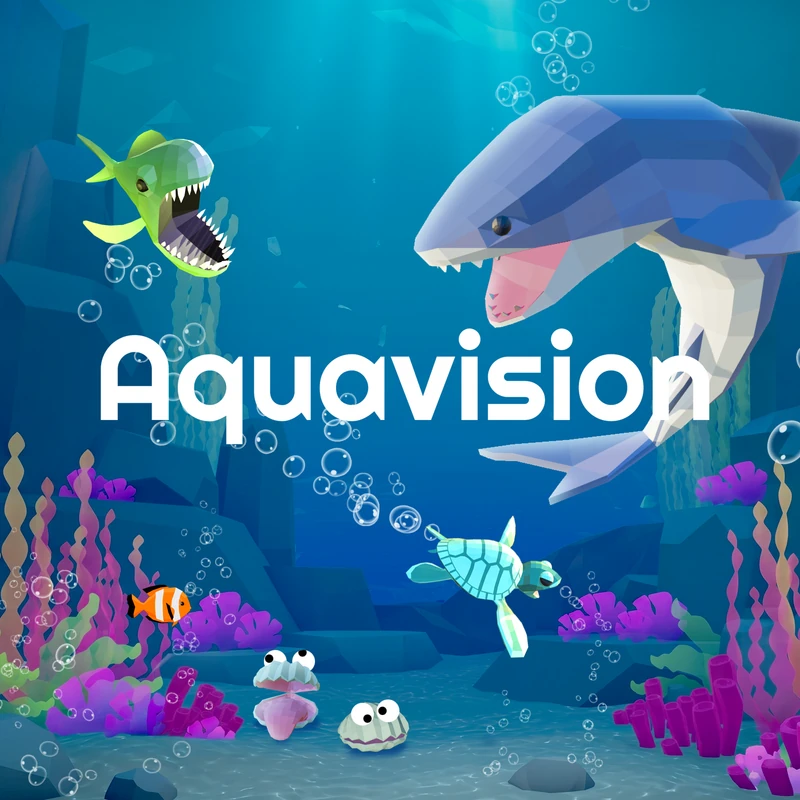
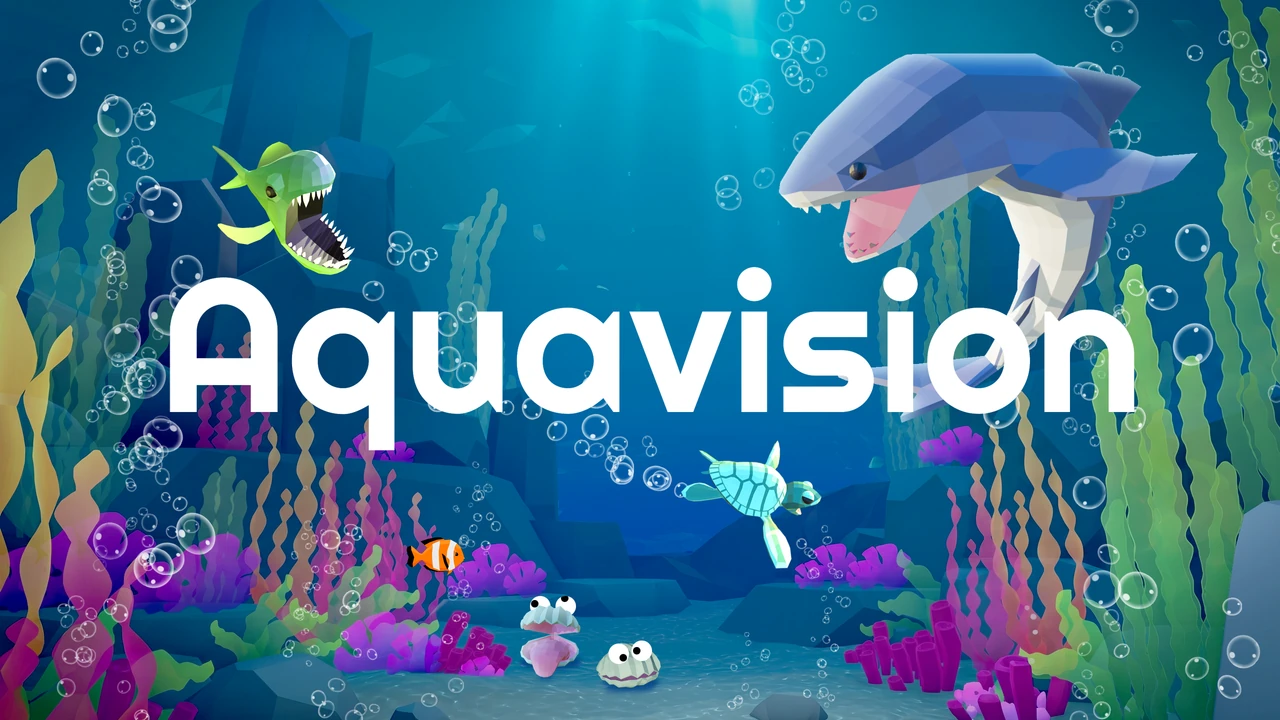
AquaVision is a relaxing underwater game that works your eyes. Each activity practices one visual skill, like holding your gaze steady, following a moving target, or judging distance. Every activity has three difficulty levels, so you can start easy and build up, and you can play any of them in full VR or in AR.

Position
Start seated. Once you feel steady, you can stand.
Controls
Gaze, plus hands or controllers
Session
A few minutes per activity
Who's around
On your own

Quick start

Video walkthrough coming soon

How to start

  1. 1Hold your gaze on Play under an activity for 2 seconds.
  2. 2Read the short instructions, then choose Beginner, Skilled, or Advanced the same way.
  3. 3Follow the on-screen prompts.

What you need

  • A sturdy chair
  • Controllers, or your bare hands
  • Your usual glasses, if they fit comfortably in the headset

Activities

Six activities, one visual skill each. Play any of them in full VR, fully immersed in the underwater world, or in AR (passthrough), where you see the room around you. Start at Beginner.

Eye activities

Start seated. Once you feel steady, you can stand.

On your own
  • Shark Fixation

    Keep your eyes on the shark while you slap yellow fish into it. Avoid the purple fish.

  • Accommo-Date

    Compare a fish close to you with one swimming far away. Tap the near fish when they match.

  • Turtle Tracking

    Hold your gaze on the turtle to guide it along a path before a fish catches it.

  • Clam-Vergence

    Watch the clam's spinning eyes, then slap the clam in the direction they point.

  • Stereo-Cuties

    Poke the puffer fish in order, from closest to farthest.

  • SeaScape

    Free play. Explore the scene with your eyes and hands. Stay in one place; don't walk around.

Stop if

  • Your eyes feel tired, strained, or watery
  • You get a headache
  • You feel dizzy or queasy

Take off the headset, close your eyes, and rest for a few minutes before trying again.

Still need help?

Our team answers Monday to Friday, 8:00 AM to 6:00 PM Central Time.

Contact support